| 1 | # Choose your Netdata UI theme |
| 2 | |
| 3 | The Dark theme is the default in the Netdata UI. |
| 4 | |
| 5 | To change your theme across the Netdata UI, click on your profile picture, click on the **Settings** |
| 6 | tab, and then choose your preferred theme: **Light** or **Dark**. |
| 7 | |
| 8 | **Dark**: |
| 9 | |
| 10 | 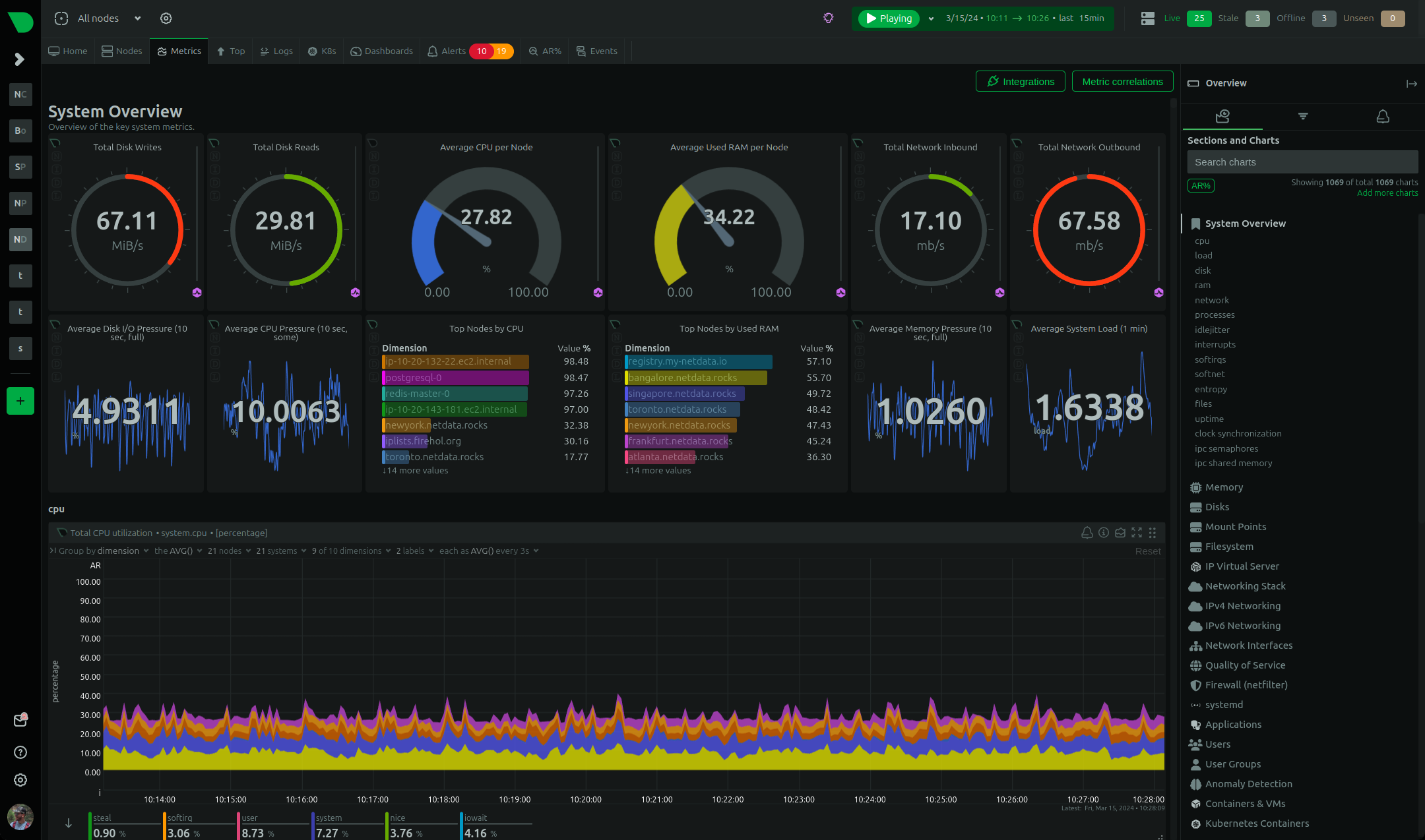 |
| 11 | |
| 12 | **Light**: |
| 13 | |
| 14 | 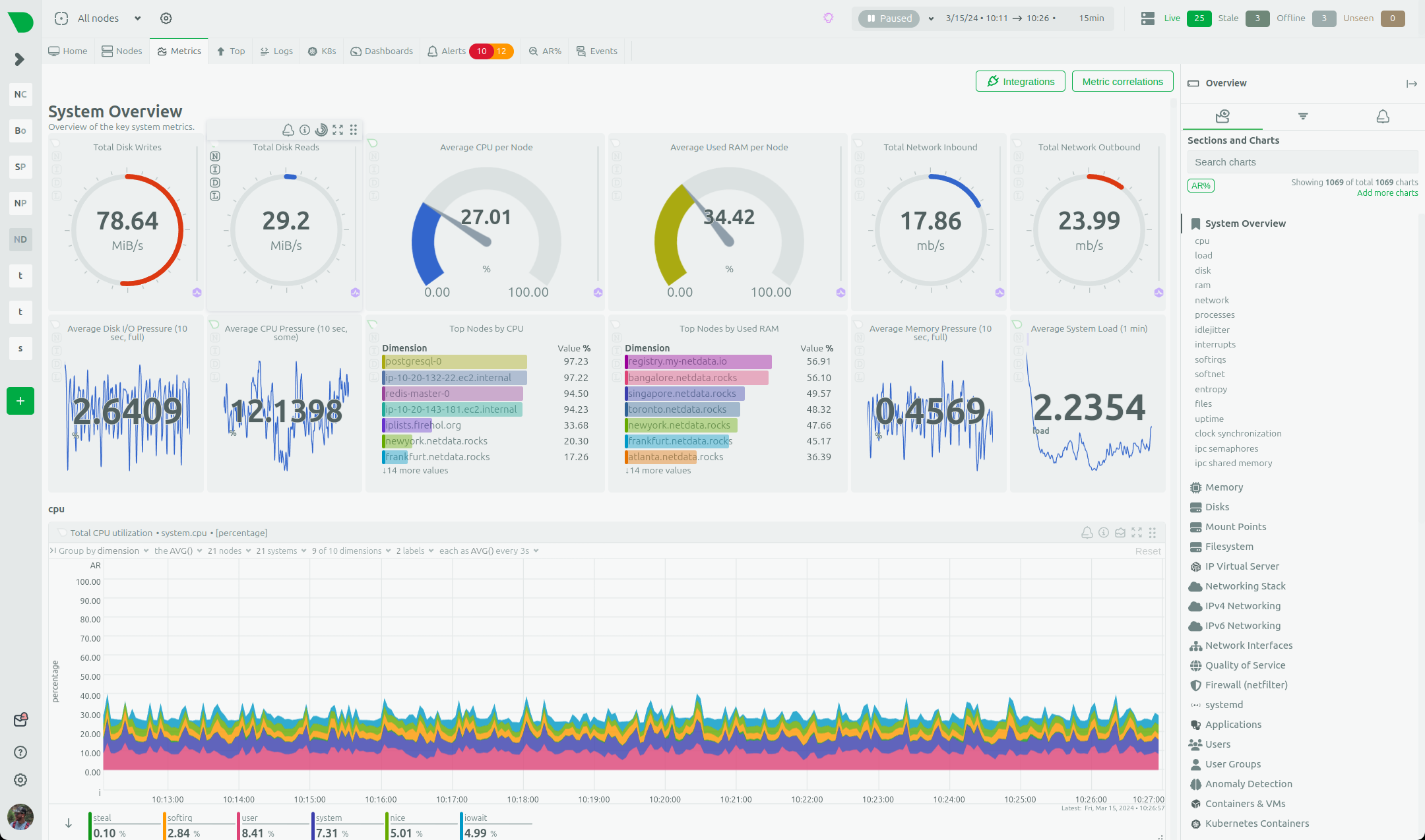 |