An iOS UITableView with detachable section and row. Use single section with multiple rows, or multiple sections with multiple rows. Or both. It depends.
JomloTableView




JomloTableView is a UITableView helper for building tables out of sections and rows. Use one section with many rows, or several sections with their own rows.
Writing UITableViewDelegate and UITableViewDataSource again and again gets old fast. JomloTableView moves that work into the table view itself, so your view controller can hand over sections and rows instead of carrying all the table plumbing.
Example
To run the example project, clone the repo and install the pods from the Example directory:
git clone https://github.com/setoelkahfi/JomloTableView
cd Example
pod install
Requirements
iOS 8
Installation
JomloTableView supports CocoaPods and Swift Package Manager.
CocoaPods
Add this to your Podfile:
pod "JomloTableView"
Swift Package Manager
Add https://github.com/setoelkahfi/JomloTableView as a package dependency in Xcode.
Usage
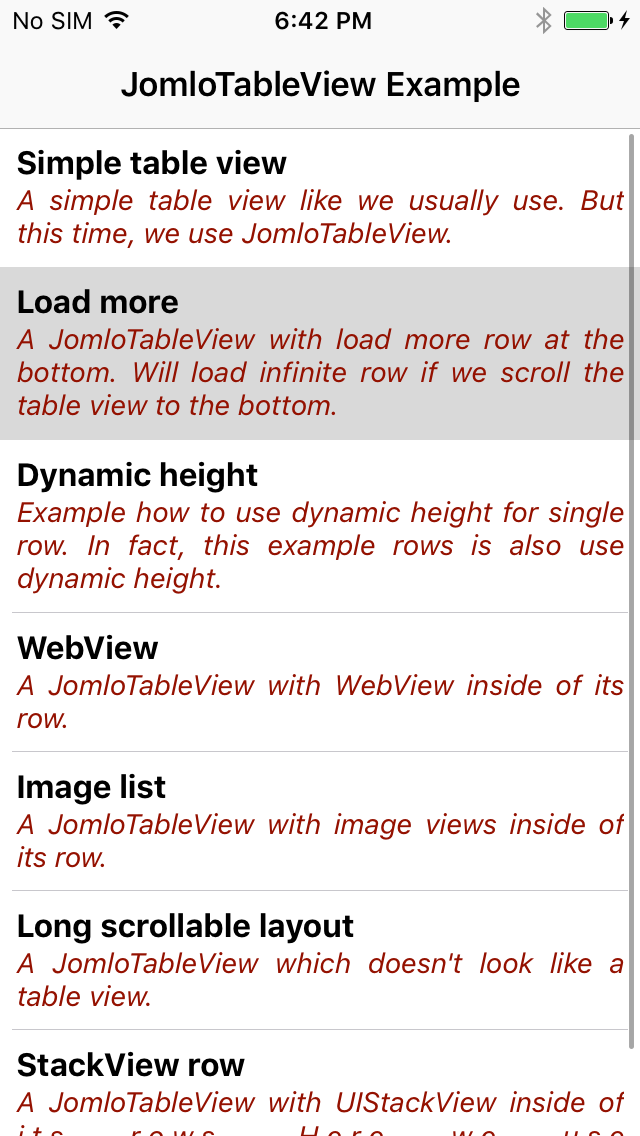
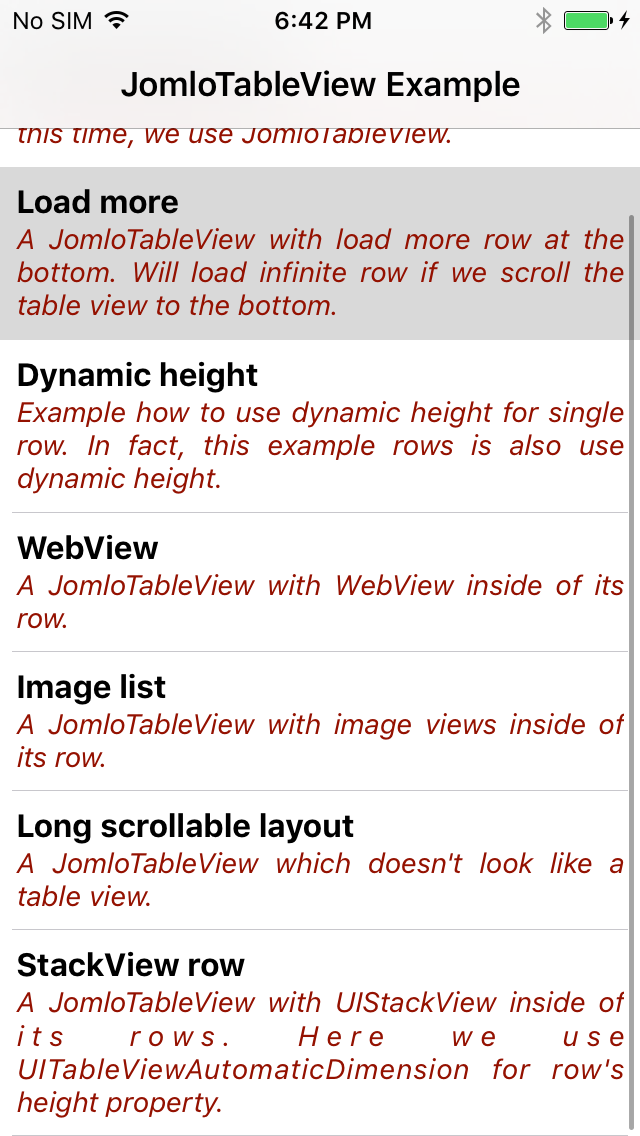
Simple table
This example uses one section and several rows. Each row below uses the same row class.
import UIKit
import JomloTableView

// Another code

    @IBOutlet var jomloTableView: JomloTableView!

    var exampleSection = JomloTableViewSection()

    override func viewDidLoad() {
        super.viewDidLoad()

        let row0 = SimpleRow("Simple table view", subTitle: "A simple table view like we usually use. But this time, we use JomloTableView.")
        row0.setOnRowClicked { (row) in
            self.performSegue(withIdentifier: "showSimpleTableViewExample", sender: self)
        }
        exampleSection.addRow(row: row0)

        let row1 = SimpleRow("Load more", subTitle: "A JomloTableView with load more row at the bottom. Will load infinite row if we scroll the table view to the bottom.")
        row1.setOnRowClicked { (row) in
            self.performSegue(withIdentifier: "showLoadMoreExample", sender: self)
        }
        exampleSection.addRow(row: row1)

        // Another rows to add

        jomloTableView.addSection(section: exampleSection)
        jomloTableView.reloadData()

    }

// Another code
The row class:
import UIKit
import JomloTableView

class SimpleCell: JomloTableViewCell {

    @IBOutlet var titleLabel: UILabel!
    @IBOutlet var subTitleLabel: UILabel!

}

class SimpleRow: JomloTableViewRow {

    var title: String!
    var subTitle: String!

    init(_ title: String, subTitle: String) {
        self.title = title
        self.subTitle = subTitle
    }

    override var identifier: String {
        return "SimpleCell"
    }

    override var rowHeight: CGFloat {
        return UITableViewAutomaticDimension
    }

    override var estimatedRowHeight: CGFloat {
        return 64
    }

    override func populateView(cell: JomloTableViewCell) {
        let cell = cell as! SimpleCell
        cell.titleLabel.text = title
        cell.subTitleLabel.text = subTitle
    }
}
Load more row
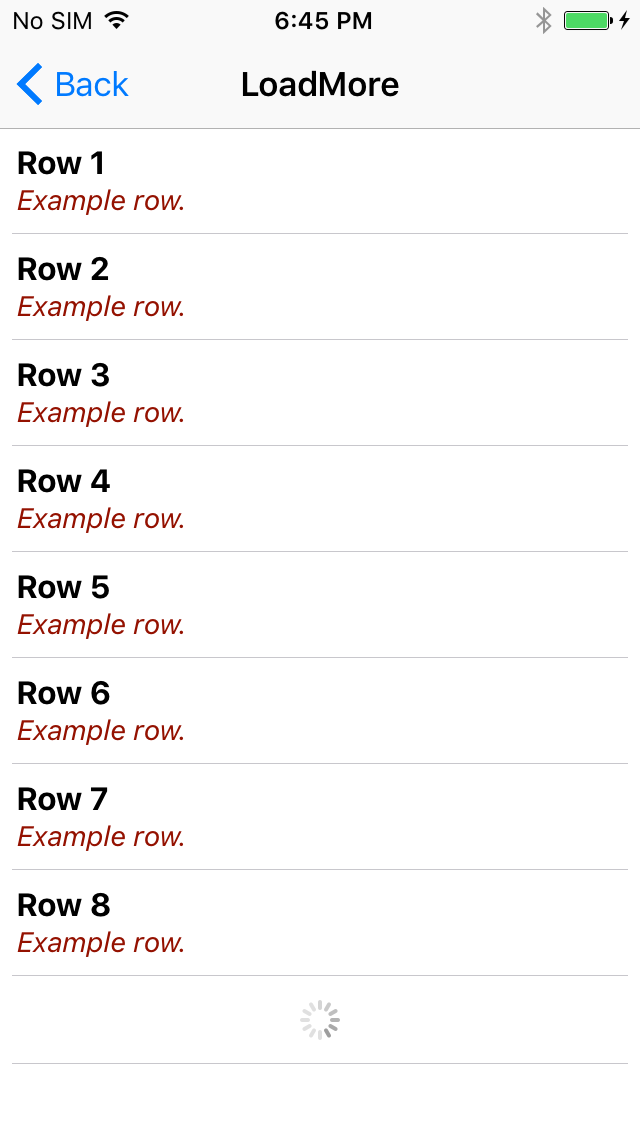
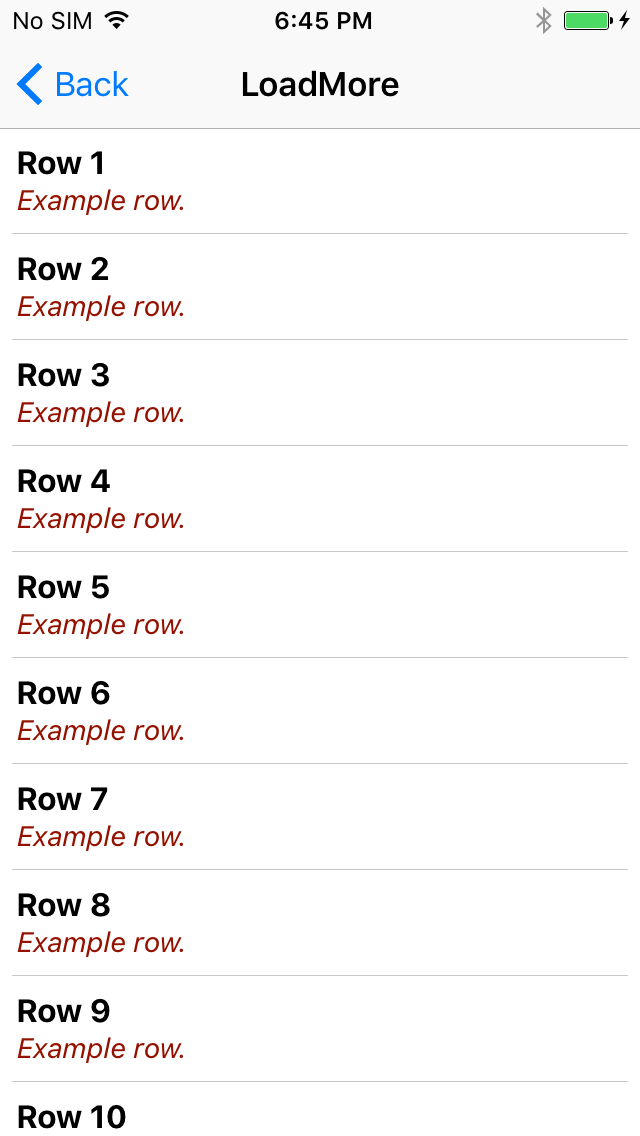
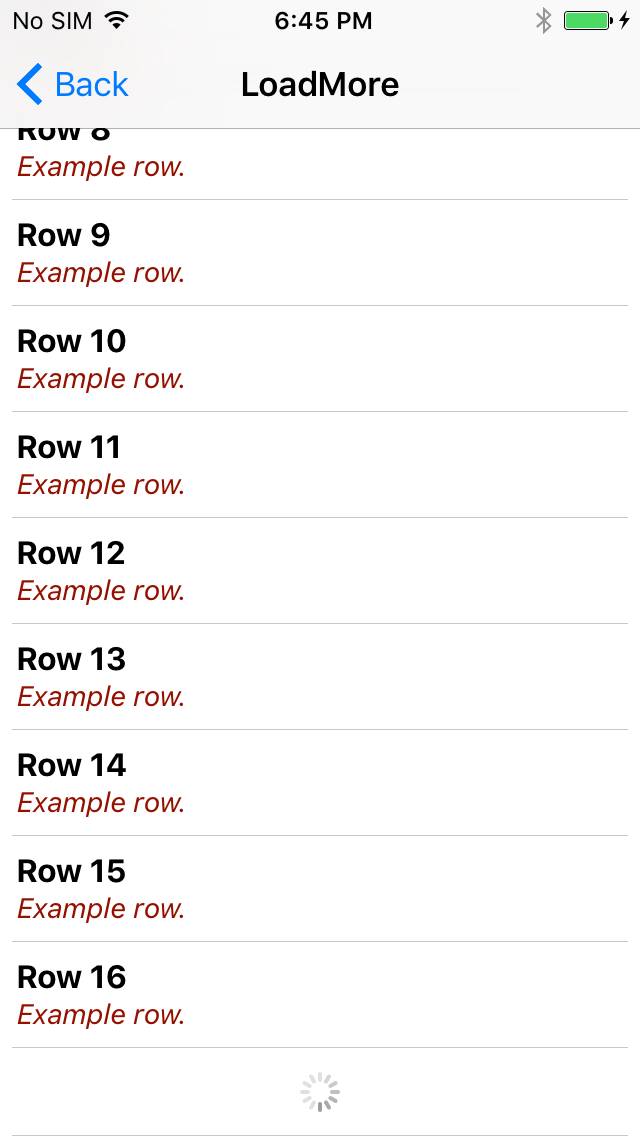
Add a loadMoreRow when you want the table to append more data at the bottom. This example keeps adding rows when the user scrolls to the end, eight rows at a time.
import UIKit
import JomloTableView

// Another code

    @IBOutlet var jomloTableView: JomloTableView!

    let tableSection = JomloTableViewSection()

    override func viewDidLoad() {
        super.viewDidLoad()

        jomloTableView.addSection(section: tableSection)
        addRows()
    }

    func addRows() {
        for _ in 0..<8 {
            let rowNumber = tableSection.count + 1
            let row = SimpleRow("Row \(rowNumber)", subTitle: "Example row.")
            tableSection.addRow(row: row)
        }

        addLoadMoreRow()
    }

    func addLoadMoreRow() {

        let loadMoreRow = LoadMoreRow {
            // Simulate loading by delaying the next batch for 3 seconds.
            DispatchQueue.main.asyncAfter(deadline: DispatchTime.now() + 3, execute: {
                self.tableSection.removeLastRow()
                self.addRows()
            })
        }

        tableSection.addRow(row: loadMoreRow)
        jomloTableView.reloadData()
    }

// Another code
Author
Seto Elkahfi, setoelkahfi@gmail.com
License
JomloTableView is available under the MIT license. See the LICENSE file for more info.
Copyright
2026 Onde Inference (Splitfire AB)